Assign
Current job, person, prerequisites and access.
Field technology / Scheduling
A mobile staff-scheduling system connects job requirements with approved availability and suitability, then gives workers a clear way to receive, confirm, question and complete assignments. GA Applications designs coordinator and staff views with visible changes, privacy controls and human approval rather than relying on opaque automatic allocation.
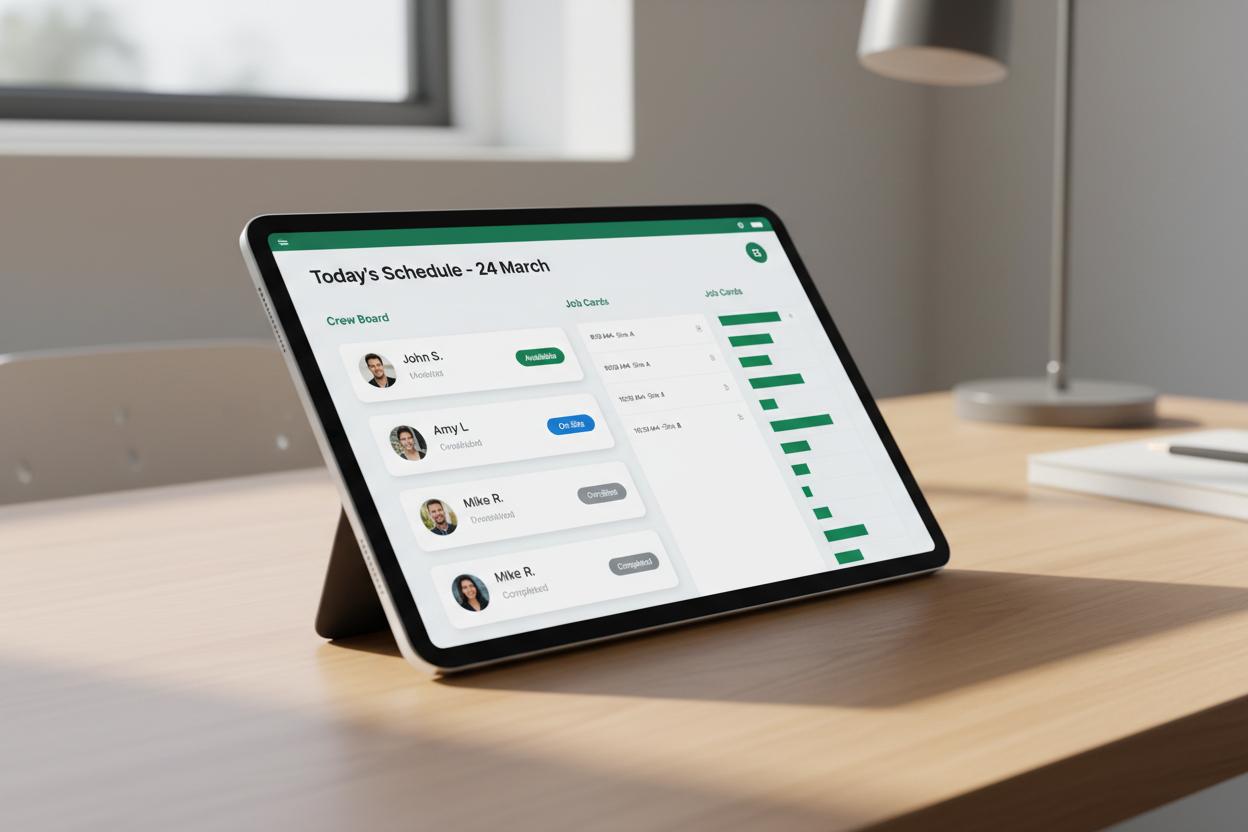
The interface is only one layer. Identity, job records, evidence quality, review, sync, failure handling and ownership must work as one operating system.
Current job, person, prerequisites and access.
Clear next action on a practical mobile interface.
Structured evidence with visible sync state.
Named people check exceptions and approve outcomes.
Working interaction
This contained staff scheduling demonstration shows what a trustworthy field interface must communicate. It sends no information and changes no real record.
Illustrative interface · fictional job information · no network requestThe schedule record should include role, time, place, work context, prerequisites, contact and information still awaiting confirmation.
State genuine role, competency or access needs.
Use approved worker-provided or rostered availability.
Staff can see assigned work, respond through explicit states and raise a conflict without searching through group messages.
Use offered, accepted, declined, questioned and cancelled accurately.
Highlight what changed and require acknowledgement where needed.
Confirmed staff can receive the current job pack, required forms and check-in path; completion returns to the job timeline.
Verify access, documents, equipment and unresolved prerequisites.
Return attendance, forms and exceptions to authorised records.
Suggestions may use approved capability and availability, but authorised people review consequential decisions and sensitive data stays limited.
Show why a person appears suitable without hidden personal inference.
Avoid exposing leave, contact or personal schedule detail to unrelated users.
Testing covers late changes, no response, double booking, reassignment, offline access and incorrect job details.
Check workload, conflict and communication queues.
Confirm the assignment is understandable and usable on a phone.
Questions worth answering
Replace scattered roster messages
We can prototype the coordinator and worker journey around your actual scheduling rules.