Assign
Current job, person, prerequisites and access.
Field technology / Site evidence
A site-record system connects photographs, observations, annotations, location or area, job context, submitter and time into a reviewable event. GA Applications designs guided capture, upload and classification so evidence does not disappear into personal phones, chat threads or unnamed folders, while privacy, consent and retention remain explicit.
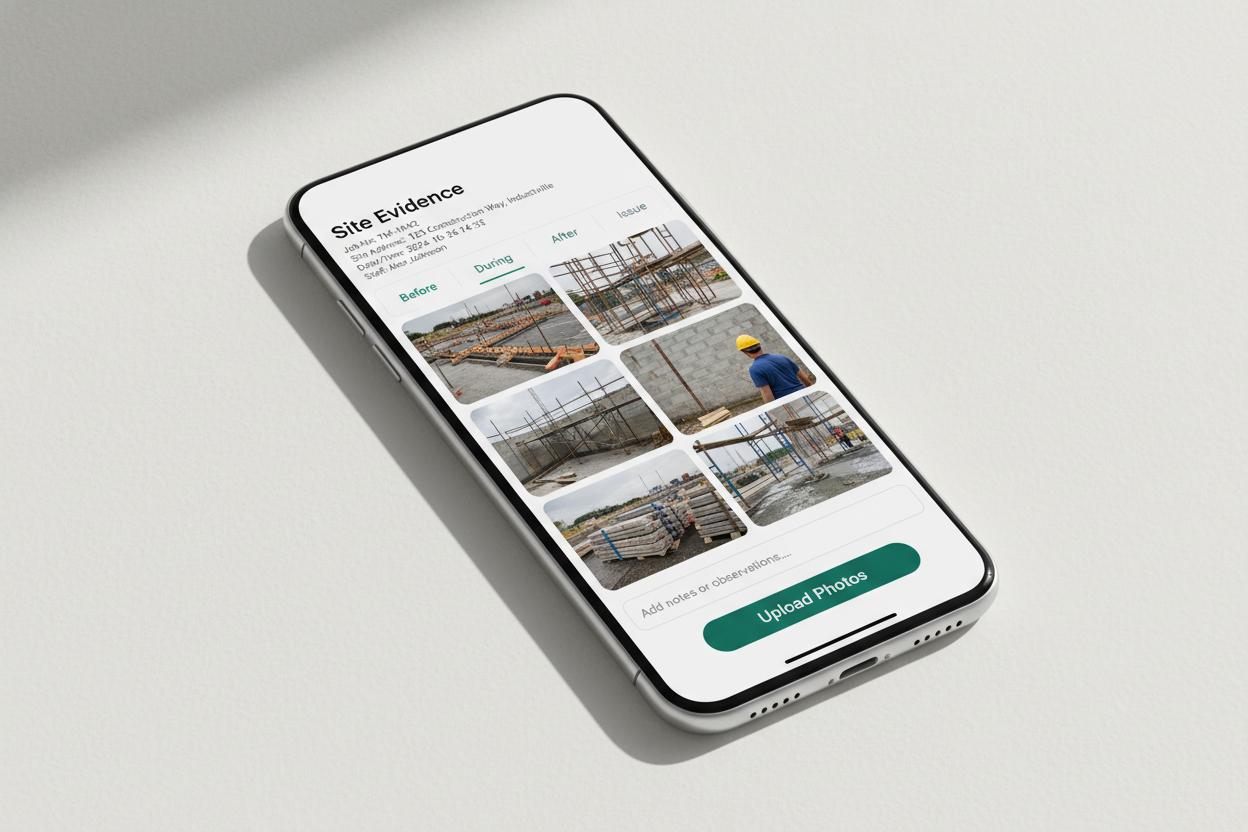
The interface is only one layer. Identity, job records, evidence quality, review, sync, failure handling and ownership must work as one operating system.
Current job, person, prerequisites and access.
Clear next action on a practical mobile interface.
Structured evidence with visible sync state.
Named people check exceptions and approve outcomes.
Working interaction
This contained site records photo capture demonstration shows what a trustworthy field interface must communicate. It sends no information and changes no real record.
Illustrative interface · fictional job information · no network requestThe workflow can require job, site area, category, observation and relevant consent or safety checks before media is accepted.
Explain required framing, scale or identifying marker where appropriate.
Retain trusted capture data but allow users to correct contextual selections.
The interface uses large controls, draft queues, compression feedback and clear upload state, with use while driving or performing hazardous work explicitly avoided.
Group related images under one event without losing individual notes.
Queue protected media and show pending, failed and synced status.
Approved records can update progress, support review or open corrective work while the original media remains traceable.
Route sensitive or consequential evidence to an authorised reviewer.
Create ownership and due date from a finding without duplicating the image.
People, customer property, documents, location and confidential site details may appear in media, requiring purpose-based collection and restricted use.
Provide capture guidance, masking or rejection paths where needed.
Preserve the original, derivative versions and material edit history.
A pilot covers device cameras, file sizes, poor connectivity, duplicate upload, permissions, search and export.
Check whether guidance is realistic in the work environment.
Verify records are findable and lead to the intended decision.
Questions worth answering
Give media a useful home
We can design the guidance, metadata, review and retention required for a dependable pilot.