Assign
Current job, person, prerequisites and access.
Field technology / Client access
A mobile client portal presents selected job status, milestones, documents, requests, approvals and communication through a secure account. GA Applications designs the portal as a controlled view over shared operating records, helping customers find current information and complete required actions without receiving internal notes, unreviewed field data or access to the full CRM.
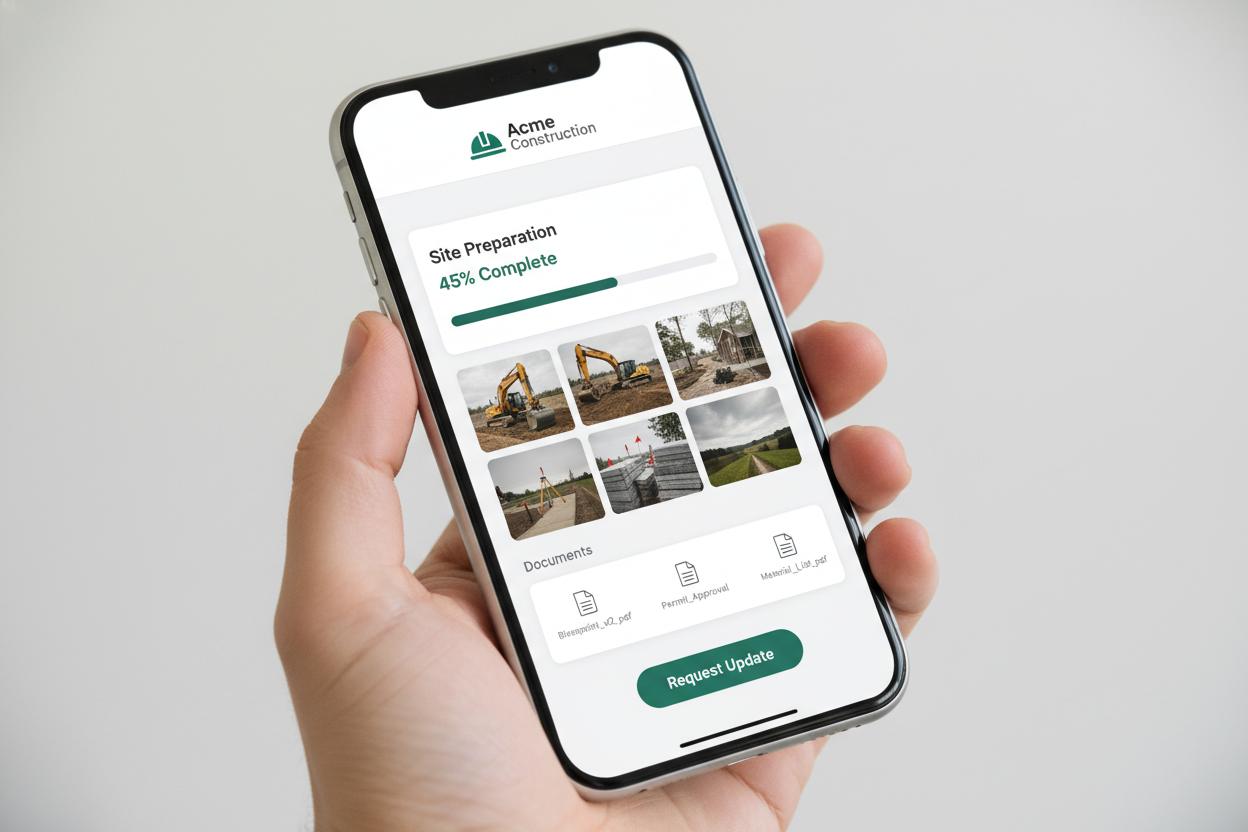
The interface is only one layer. Identity, job records, evidence quality, review, sync, failure handling and ownership must work as one operating system.
Current job, person, prerequisites and access.
Clear next action on a practical mobile interface.
Structured evidence with visible sync state.
Named people check exceptions and approve outcomes.
Working interaction
This contained mobile client portals demonstration shows what a trustworthy field interface must communicate. It sends no information and changes no real record.
Illustrative interface · fictional job information · no network requestWe map onboarding, access, status checks, document exchange, approvals, questions and completion rather than placing every internal record online.
Identify the information customers repeatedly request.
Define what customers may submit, approve or question.
Plain-language milestones, clear dates, accessible documents and notification preferences help the portal feel useful rather than administrative.
Show approved events and what happens next.
List open customer actions with context and due dates.
A submitted document, approval or message creates a server-confirmed record and routes to the responsible team instead of disappearing into a generic inbox.
Return a reference, time and current processing state.
Show when an internal owner has reviewed or answered.
Individual authentication, least privilege, secure links, session controls and role review are essential to a multi-customer portal.
Test that users cannot access another customer, site or job.
Only approved status and documents become externally visible.
We prototype account access and a complete action, test mobile and accessibility, then connect a controlled set of live records.
Cover invitation, recovery, expired links, upload and denied access.
Provide clear help, access-change and privacy routes.
Questions worth answering
Open a controlled customer window
We can define the records, visibility rules and mobile experience required for a portal pilot.