Assign
Current job, person, prerequisites and access.
Field technology / Shared visibility
Office-to-field dashboards connect assigned jobs, readiness, mobile updates, evidence and exceptions through shared records. GA Applications designs a coordinator command view and a focused field view so each role sees the context and actions it needs, while status, sync, source and ownership remain understandable across the hand-off.
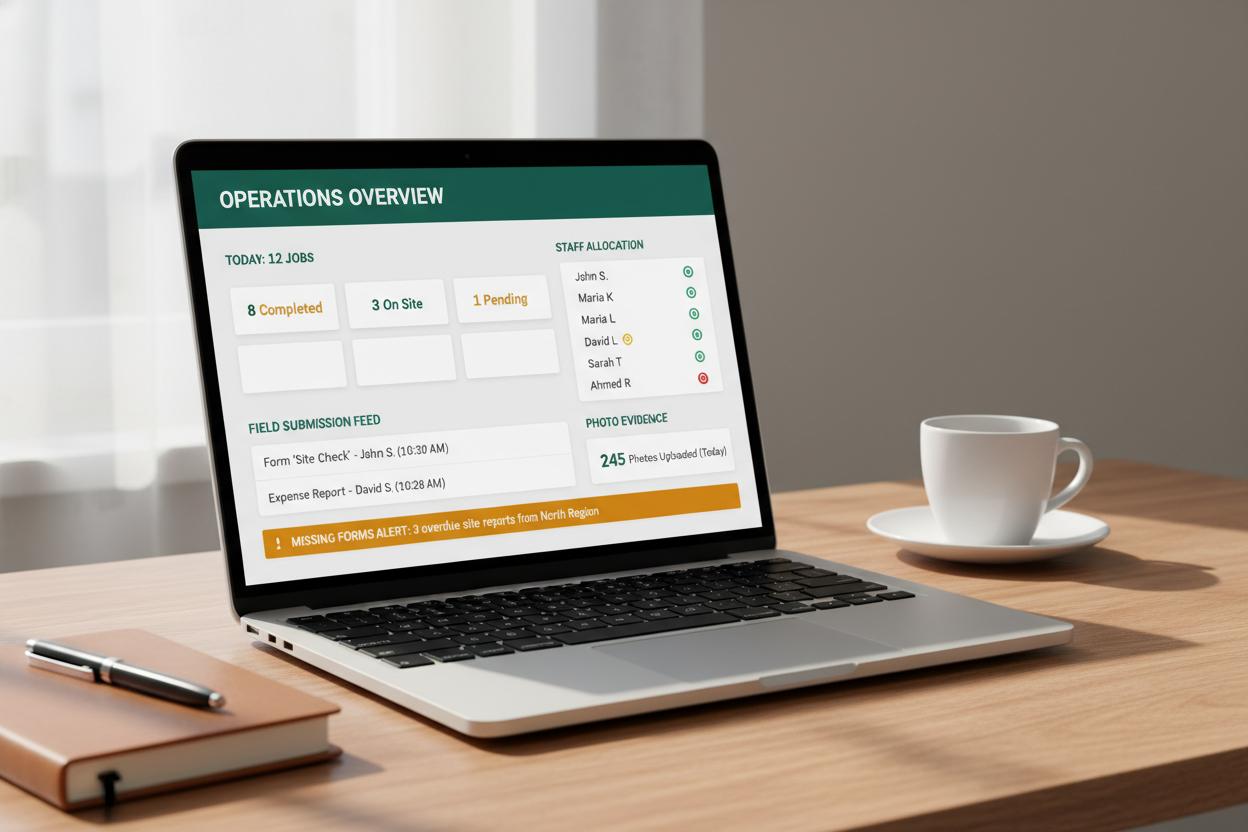
The interface is only one layer. Identity, job records, evidence quality, review, sync, failure handling and ownership must work as one operating system.
Current job, person, prerequisites and access.
Clear next action on a practical mobile interface.
Structured evidence with visible sync state.
Named people check exceptions and approve outcomes.
Working interaction
This contained office field dashboards demonstration shows what a trustworthy field interface must communicate. It sends no information and changes no real record.
Illustrative interface · fictional job information · no network requestOffice assignment, field status, submitted forms and review decisions update one controlled timeline rather than separate spreadsheets and messages.
Scope, assignment, access, schedule and required documents.
Arrival, progress, checks, evidence and exceptions.
Coordinators need breadth and queues; field users need the next assignment, essential context and fast capture on a small screen.
Filter by readiness, team, site, timing and exception.
See personal assignments, offline state and required actions.
Assignments, changes, questions, approvals and completion carry sender, recipient, time and response state.
Highlight modified time, scope or document and request acknowledgement.
Route field issues to a named office owner with status.
Role permissions, device security, limited location use, audit history and approved client visibility prevent the shared record becoming overexposed.
Field users see only relevant jobs and customer information.
Distinguish planned office data from reported and reviewed field data.
We test both interfaces, sync, change conflict, reassignment, poor connectivity and server-confirmed submission.
Use representative normal, delayed and incomplete jobs.
Review hand-off clarity and exception resolution, not invented productivity claims.
Questions worth answering
Join both sides of the hand-off
We can prototype the two role views and the shared events between them.