Assign
Current job, person, prerequisites and access.
Field technology / Forms
Digital job forms guide field users through the information, checks and evidence required for a specific task. GA Applications converts suitable paper or spreadsheet processes into mobile forms with conditional questions, validation, offline drafts, signatures or media where justified, and a controlled path into job records, review queues and dashboards.
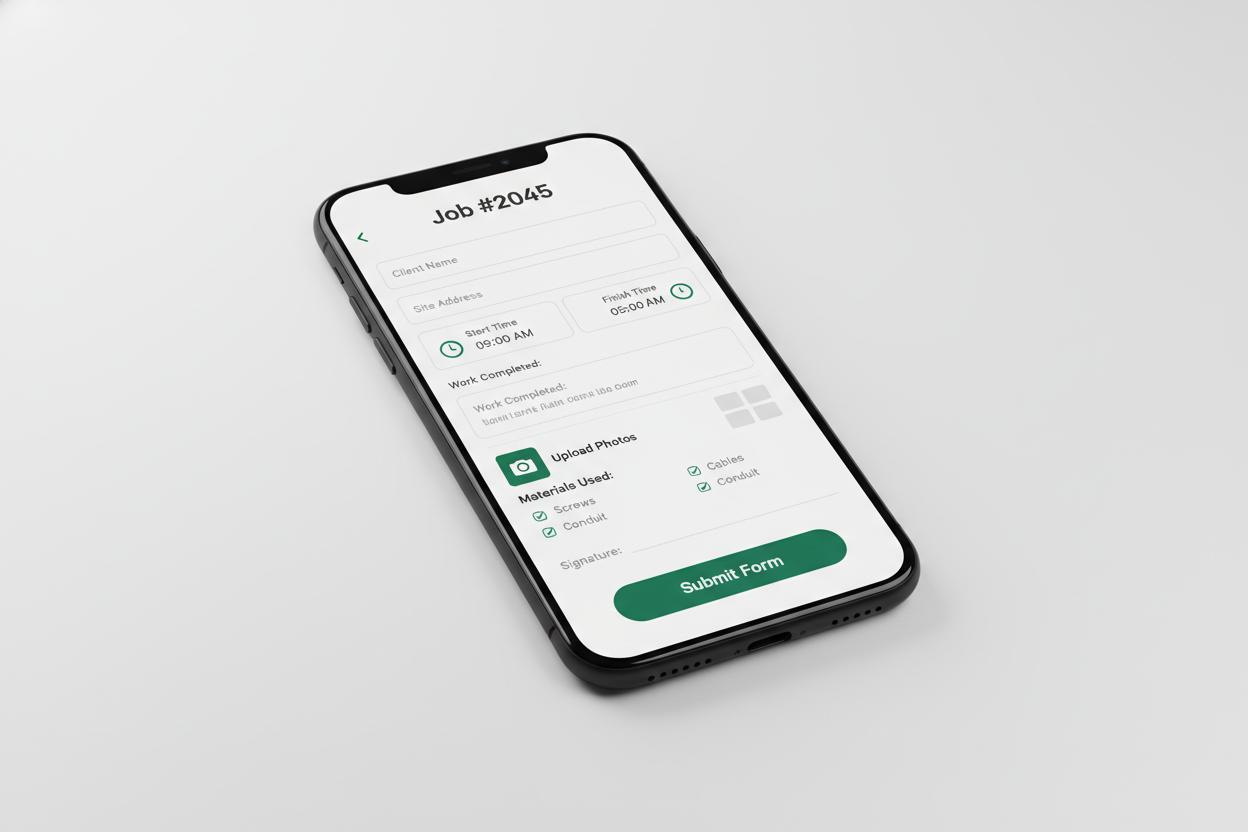
The interface is only one layer. Identity, job records, evidence quality, review, sync, failure handling and ownership must work as one operating system.
Current job, person, prerequisites and access.
Clear next action on a practical mobile interface.
Structured evidence with visible sync state.
Named people check exceptions and approve outcomes.
Working interaction
This contained digital job forms demonstration shows what a trustworthy field interface must communicate. It sends no information and changes no real record.
Illustrative interface · fictional job information · no network requestWe remove duplicated or unused fields, define options and units, and show questions only when they apply.
Choose controls that match the information and field conditions.
Explain what is missing or inconsistent before submission.
Users can understand the form length, pause safely, attach permitted evidence and see whether a submission has reached the server.
Save locally or remotely according to the security model.
Return a reference and sync state, not a vague success screen.
Job identifiers, user identity and version context travel with the form, while exceptions enter visible queues.
Attach approved results to the job timeline.
Require sign-off for consequential or incomplete submissions.
Published templates need an owner, effective date, testing and change approval; submitted records need permission and retention rules.
Preserve which questions and instructions a user completed.
Record material corrections and their authorised reason.
We test a representative job, device, offline scenario and exception before replacing the existing process.
Check language, sequence, tap targets and evidence capture.
Verify review, export, job linkage and failed-sync recovery.
Questions worth answering
Bring the current form
We will review its questions, evidence, approvals and destination before prototyping.