
Accessible home controls · Hisar & Haryana
Home controls chosen around the way you use them.
GA Applications plans and installs simple, reachable controls for lights, fans and compatible appliances — arranged for blind and low-vision family members, and for anyone who finds standard switches hard to reach or hard to use.
जैसे आपके लिए आसान हो, वैसे कंट्रोल।
Experience behind the work
Our installation team includes a technician with personal career experience of 2,000+ CCTV cameras installed and 1,000+ LAN connections terminated. These are that individual technician’s career figures, rather than GA Applications project totals.
Our approach
Different remotes for different tasks — because switching something on should be the easy part.
Many “smart home” products put every function into one app or one crowded remote. That suits some people and defeats others. If you cannot see the screen, or your grip is unsteady, hunting through modes and menus is the hardest way to turn on a fan.
So we start from the task, not the gadget. A dedicated remote with a few large, tactile buttons for the light. Another for the fan. Wall switches that stay where your hands already know they are. Phone or voice control only where it genuinely helps — and only after we have checked the specific model and tried it with the person who will actually use it.
We confirm the features on the actual equipment proposed. The process starts with assessment and a one-room trial with the intended user, followed by selection, installation, training and an agreed fallback.
Who this is for
Different needs, different answers.
“Accessible” is not one thing. A control that suits a blind user may be wrong for someone with arthritis, and the other way round. We plan for them separately — and we never assume.
Blind & low-vision users
- Touch over sight. Buttons you can tell apart by shape, size or raised marking — so the fan button never feels like the light button.
- State you can hear or feel. Audible clicks, beeps or a clear physical toggle, where the chosen model supports them — verified before we claim it.
- No assumptions. Not every blind person reads braille, and not everyone wants voice control. We ask, then we trial.
Mobility & dexterity needs
- Within reach. Controls placed at seated or standing height, on the side of the room you actually approach from.
- Low effort. Large rockers and push surfaces that work with a palm, fist or elbow — no pinching tiny buttons.
- Habits kept. Existing wall switches can stay in service, so nothing you already do is taken away.
What we can fit
Control options, honestly labelled.
Every option below is something we assess for your rooms — not a verified feature of a product already chosen. Where a capability depends on the model or on you, we say so, and we test it before we claim it.
Dedicated task remotes
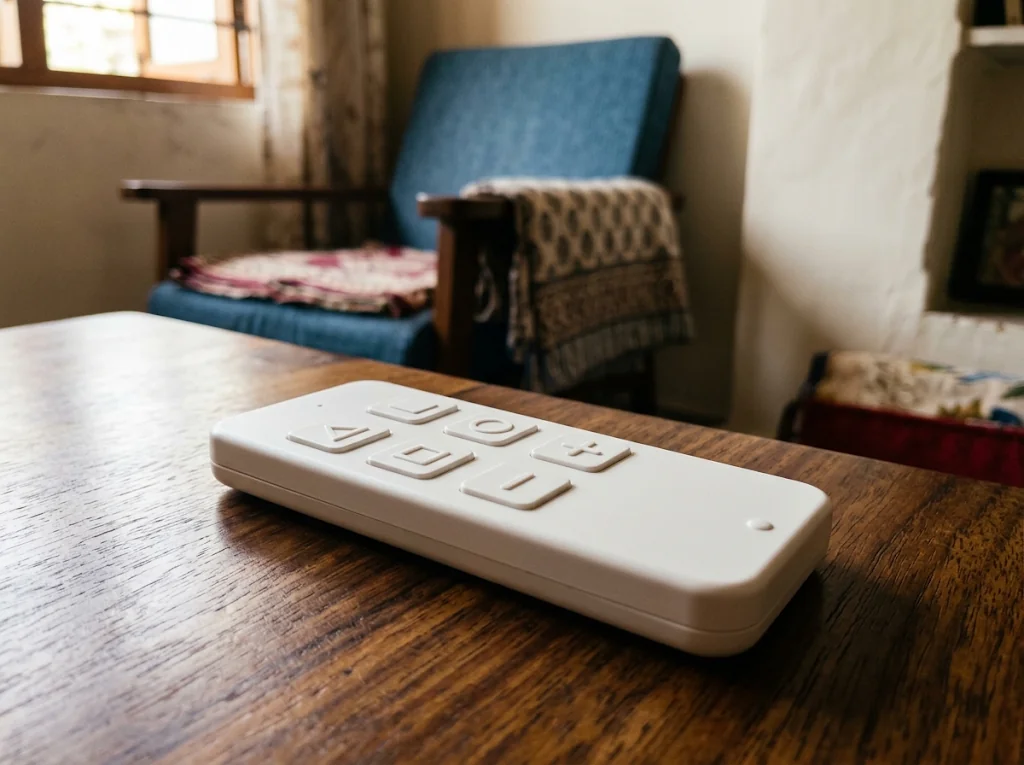
One simple remote per task — a few large buttons for the light, another for the fan — instead of one crowded controller for everything.
Selected with the user, not prescribed
Tactile, high-contrast buttons
Raised shapes and markings, strong contrast and generous button size, so controls are found by touch and told apart by feel.
Verified on the exact model chosen
Large wall controls, kept reachable
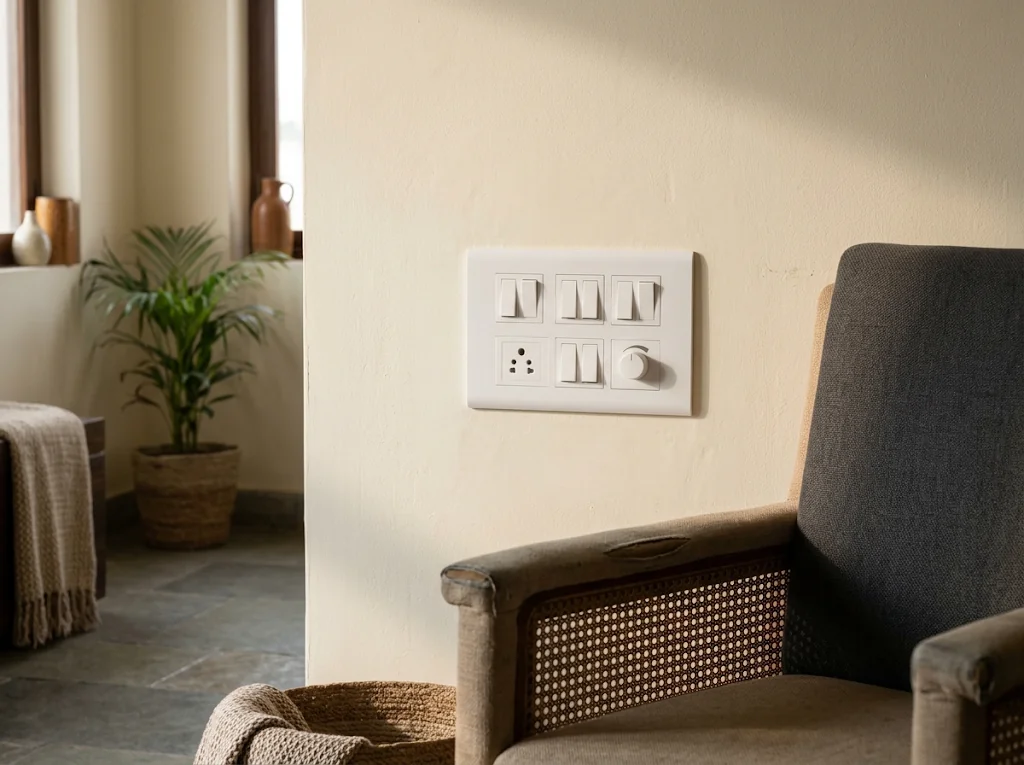
Big rocker or push switches fitted at a height and position agreed during assessment — and your existing wall switches can stay working.
Set during site assessment
Audible state feedback
A click, beep or spoken confirmation when something switches on or off, so you never have to guess what state a device is in.
Model-dependent — verified before we promise it
Operation without internet
Local control by remote or switch that keeps working in an internet outage — no cloud account required for everyday switching.
Model-dependent — verified before we promise it
Optional phone & voice control
Where useful, a phone app that works with your screen reader, or voice control — offered as options to assess, never assumed.
Assessed with the user; claimed only after testing
One-room demonstration
Try it the way a user would: press a button, know what happened.
Three circuits are controlled by the large buttons below — each press changes the drawing, updates the written status and is announced to screen readers. Nothing here depends on colour, dragging or animation alone.
Task controls (keyboard accessible)
Room status, in words
- Ceiling light: ON
- Ceiling fan: OFF
- Bedside lamp (compatible appliance): OFF
Demonstration loaded. Ceiling light is on; ceiling fan and bedside lamp are off.
A real choice
Several dedicated remotes, or one control? We don’t prescribe — you decide.
Some users relax with a separate remote per task: pick it up, press the big button, done. Others prefer one well-organised controller. Neither is “the accessible answer” — the trial tells us which suits you.
Several dedicated remotes
- · Few buttons each, easy to learn by feel
- · No modes or menus to get lost in
- · A lost remote only affects one task
- · More handsets to keep track of
One shared control
- · One handset or app to keep hold of
- · Can cover more rooms and tasks
- · Needs clear structure to stay simple
- · One failure can affect everything
How a project runs
Assessment to handover, in five steps.
Assessment
We visit, listen and watch how the intended user moves through their rooms — which tasks matter, which controls they prefer, where hands naturally reach. We ask about tasks and preferences, never about diagnosis.
One-room trial, with the intended user
One room is fitted first, and the person who will actually use it tries the controls for real. If a remote feels wrong or a beep is confusing, we change it here — not after a full installation.
Selection
Only after the trial do we choose models together: dedicated remotes or a single control, tactile buttons, audible feedback, offline operation — matched to the user, the room and the wiring.
Installation
Neat wiring, controls at the agreed heights, existing wall switches kept in service where wanted. Premium pricing covers this planning, fitting, configuration and handover — not just hardware.
Training & fallback support
We practise every task with the user and family, leave written steps in large print where wanted, and agree a fallback for battery or power failure before we call the job done.
Straight answers
The questions families actually ask.
Do I need to aim the remote at the device?
It depends on the technology. Infrared remotes need a rough line of sight; radio-frequency remotes work from anywhere in the room, even from a pocket or another room. For blind and low-vision users we usually favour RF so aiming is never part of the task — but we confirm this for the exact model before recommending it.
Will it work without internet?
That is one of the first things we check. Our preference is local control — remotes and wall switches that talk directly to the device and keep working through an internet outage. Phone and voice features, where chosen, may need internet; basic switching should not. We verify offline operation on the selected model before we claim it.
Can we keep our existing wall switches?
Usually yes, and often that is the right answer. Wall switches stay in service so the whole family can use the room as before, while the accessible controls are added on top. If a particular product requires the wall switch to stay on, we wire and label it clearly.
What happens when batteries die or the power fails?
We assess the fallback for the selected equipment: whether familiar switches can remain usable, which batteries are needed, and how devices behave after an outage. We document and demonstrate the agreed setup rather than promise the same behaviour from every system.
Are phone apps and voice control proven to work for me?
Not yet — and we say so openly. Screen-reader compatibility and voice control vary by app, phone and user. We offer them as options to assess during the trial, tested with your own device and your own screen reader or voice preference, and we only include them in the final setup if they genuinely work for you.
Do you need to know my medical condition or diagnosis?
No. Our enquiry asks what you want to switch, which controls you prefer and where you are — not about any diagnosis. Accessibility needs are discussed in terms of tasks and preferences, and we do not provide medical advice or certification of any kind.
Let’s talk about your project
Tell us what you have in mind.
Share your location and what you need. Send your enquiry directly to our team.
Prefer to call? +91 98124 00866 · maven@gaapplications.com
We use your contact and project details to respond to your enquiry. Privacy information.