Motion World · 3 of 6
Sound leaves a temporary architecture.
Sound Wall is an experiment in making audio spatial, and in asking permission properly. When you enable sound, the page synthesises a slow evolving chord with WebAudio and an analyser turns its energy into a wall of blocks you can watch rise and settle. With sound off, a simulated signal animates the same wall. No microphone, no files, no surprises.
The current signal source, simulated or live synthesis, is labelled on the stage at all times.
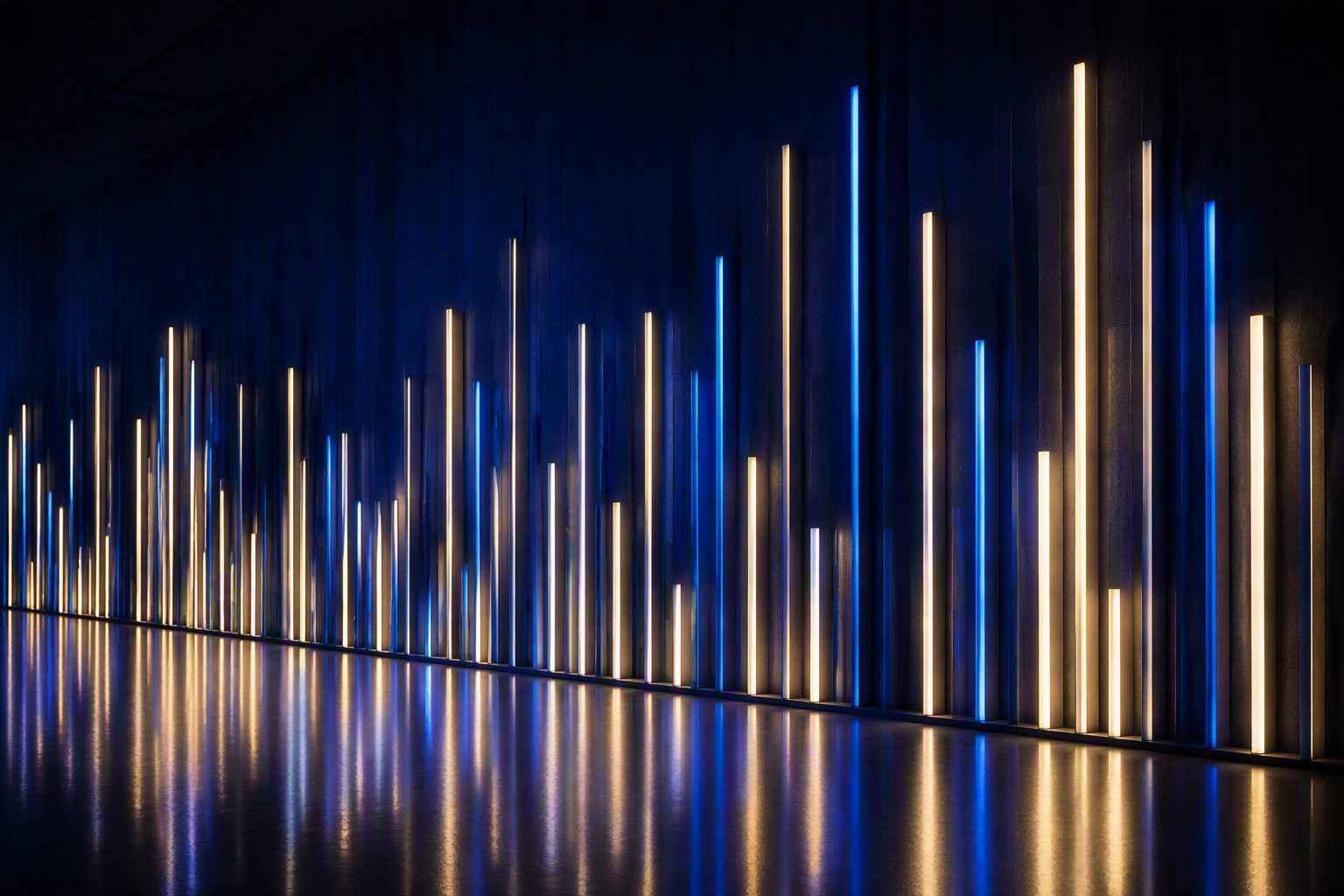
Poster: an equaliser imagined as architecture.
A still elevation of blocks: a frozen chord drawn as architecture, tallest at the centre, quiet at the edges.
Sound is off until you press Enable sound. The wall animates silently either way. No microphone is used.
Technical note
How it works
The wall is a capped grid of columns, 52 on wide screens and 26 on small, drawn as stacked blocks so the result reads as structure rather than as a meter. Column energy is heavily smoothed, which is what makes the architecture feel like it settles instead of jittering.
With sound enabled, four synthesised voices (root, fifth, ninth and a drifting third) pass through a slow swept filter into an analyser, and frequency bins map to columns. With sound off, a simulated signal, layered travelling waves with occasional pulses, drives the same columns. The visual system cannot tell the difference, which is the point: the interface works either way and stays honest about its source, labelled in the corner of the stage.
Performance choices
- Column count is capped and blocks are drawn in a single pass with flat fills.
- The loop pauses when the stage scrolls offscreen, and pixel ratio is capped at two.
- The audio graph is created only on first enable and fades in and out rather than clicking.
Accessibility and comfort
There is no autoplay and no microphone access. Sound begins only from the Enable sound button and mutes in one press. The simulated-signal mode carries the full visual idea with no audio at all. With prefers-reduced-motion set, the static interpretation stands in. All controls are keyboard reachable with readable labels.
From laboratory to client work
What this practises
Permission is an interface, not a dialog. This world rehearses the pattern GA uses wherever a system could act on your behalf: the capability sits behind an explicit, reversible choice, and the current state stays visible. It is the same pattern behind GA’s AI assistants, which show their sources and scope, and behind field interfaces that must never surprise the person holding the device.
From permission to practice
The Samples page shows interaction and motion at rising capability levels, each with its cost and accessibility alternative stated.