Mobile job forms
Capture required job, labour, material, checklist and sign-off details from a phone or tablet.
Field to office systems
Crews already create job notes, photos, checks, time records and status updates. We design a practical route for capturing that information once, reviewing it at the right level and sending approved outputs to the people who need them.
Based in Christchurch. Working with organisations throughout New Zealand.
From a site action to an accountable business record.
What the work solves
A short form can speed invoicing, a photo record can answer a client question, and a status update can prevent a dispatcher from calling every crew. The design starts with that operational value rather than a generic software checklist.
Capture required job, labour, material, checklist and sign-off details from a phone or tablet.
Keep photos, videos and notes attached to the correct job, place, time and person.
Coordinate availability, skills, crews, jobs and changes without relying on one person's memory.
Record checks, issues and follow-up while qualified people retain safety and compliance judgement.
Show missing records, active work and exceptions to authorised office users.
Share approved progress, documents and requests without exposing private operating notes.
What can be included
The first stage can be small. Each included form, view or notification must have a named user and a clear business purpose.
Field actions, records, reviewers, outputs and exceptions documented.
Short screens designed for the devices, gloves, light and time available on site.
Jobs, sites, people, photos and status linked with stable identifiers.
Supervisors or office staff see incomplete, unusual or sensitive submissions before wider use.
Approved information passed to CRM, dashboards, documents or invoicing where supported.
Pilot users, feedback, training and ownership agreed before wider rollout.
Working method
A focused first workflow lets crews and office staff test the capture burden, data quality and response before more processes are added.
Review the job sheet, messages, photos and office follow-up used today.
Keep only fields needed for action, evidence, billing or an agreed obligation.
Test the workflow under representative site and connectivity conditions.
Fix adoption issues, confirm ownership and add the next high-value connection.
A closer view
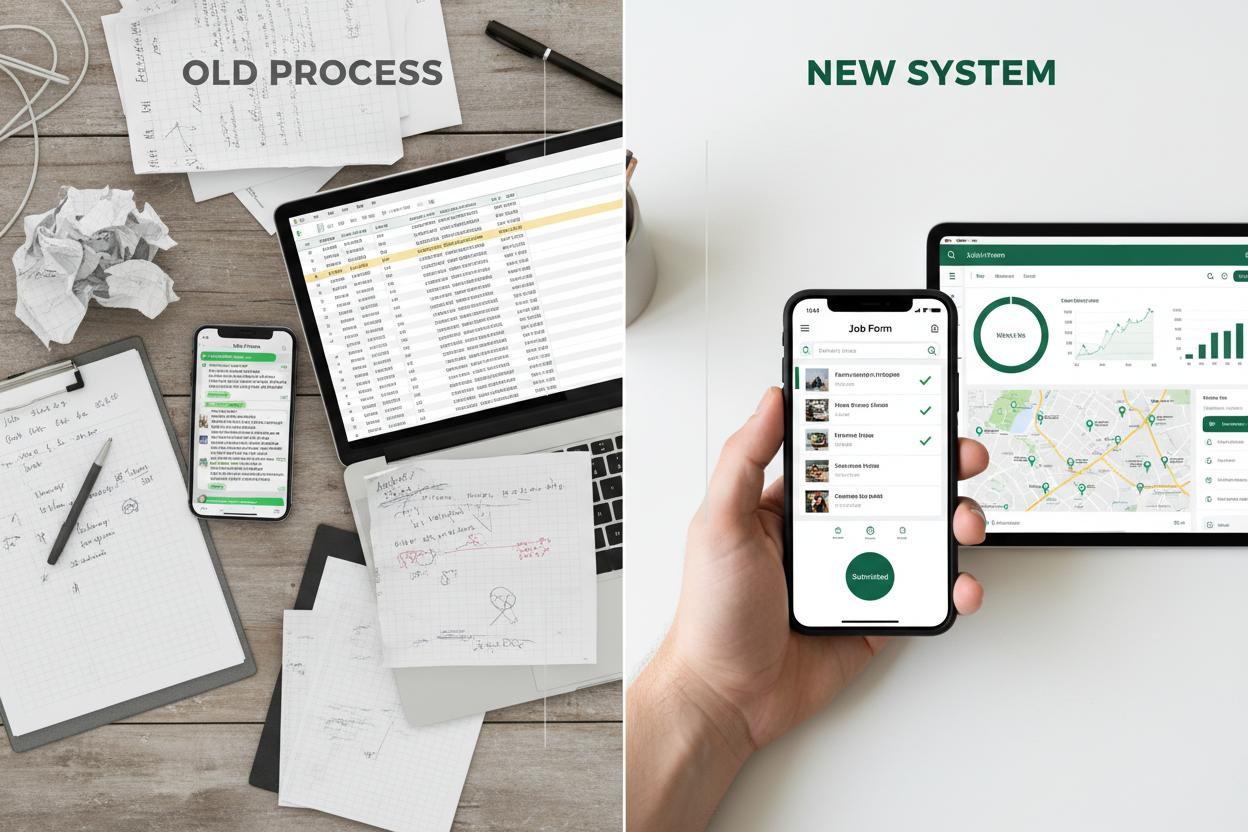
A useful field screen prioritises the job, required capture, incomplete items and successful submission. Management charts belong later in the workflow.
Questions answered
These answers set a practical starting point. The written project scope confirms the exact responsibilities, systems, access and commercial terms.
It means the digital record and workflow layer around work outside the office, including forms, photos, schedules, reviews, dashboards and approved client updates.
Not necessarily. We first assess whether a focused field layer can connect to or improve the system already used.
Many workflows can use existing phones or tablets, but device ownership, durability, connectivity and privacy must suit the work.
Offline or delayed submission may be possible depending on the selected platform. The required behaviour is tested before rollout.
No. It can improve capture and follow-up, but qualified people remain responsible for requirements, judgement and acceptance.
Choose the form, photo process, schedule or update that currently causes the most chasing, delay or missing context.
Start with the real requirement
Share the current process, system, website, spreadsheet or customer journey. We can identify a sensible first stage and set out the scope before any build is approved.